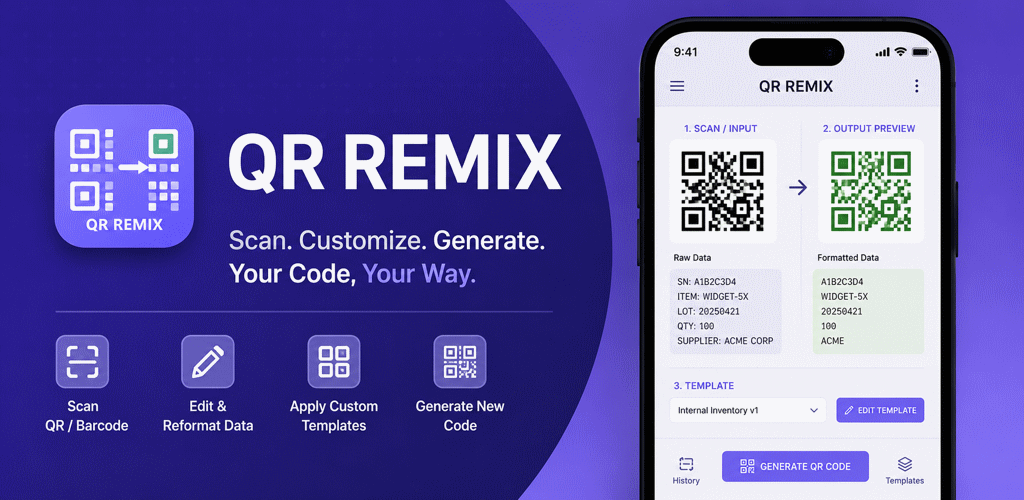
QR Remix is a QR code and barcode toolkit for people who need to do more than read a code. It scans existing data, extracts the exact characters a workflow needs, combines them with fixed or automatically generated text, and produces a newly transformed QR code or barcode.
The idea is simple: scan, compose, and generate. Instead of repeatedly editing long encoded strings by hand, users can save their formatting logic as a template and apply it whenever the same job returns.
For the complete product overview, feature reference, use cases, and FAQs, visit the QR Remix product page. If you are deciding whether this workflow is necessary for your use case, the companion guide QR Remix vs Basic QR Scanners explains where ordinary scan-and-display tools stop and transformation begins.
Get QR Remix on Google Play Read the privacy policy
Built for transformation workflows
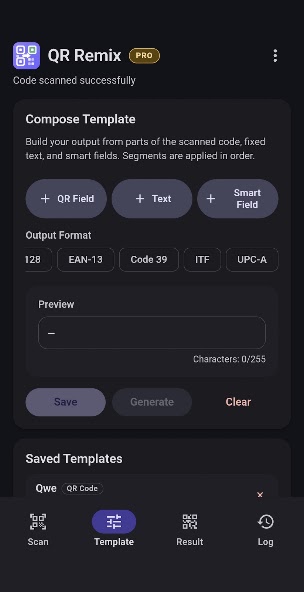
A supplier label, inventory code, serial string, or internal reference may contain useful data in the wrong format. QR Remix lets users select precise character ranges from the scanned value, rearrange those segments, add fixed labels or separators, and save the composition for reuse.
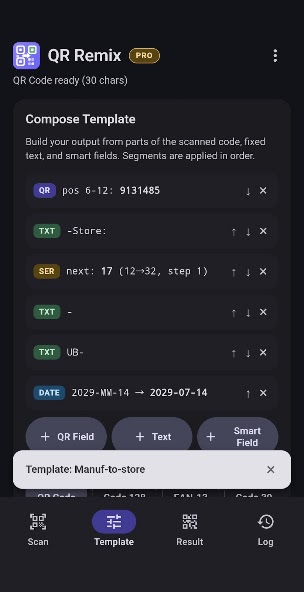
A template can therefore extract only the required portion of a code, place it beside a department or location prefix, add a changing identifier, and generate clean output ready for printing or sharing.
QR editing and transformation features
- Character-range selection: extract exactly the portions needed from scanned QR content.
- Reorderable QR fields: arrange extracted segments in the order required by the destination workflow.
- Fixed text fields: insert labels, prefixes, suffixes, separators, and reusable text.
- Saved templates: preserve transformation rules for repeated scanning and generation jobs.
- Flexible output: generate transformed QR codes, or use Pro barcode formats such as Code 128, EAN-13, Code 39, ITF, and UPC-A.
- Safer editing: the current release improves QR code editing and can restore recently deleted templates.
Auto Text makes every output dynamic
QR Remix Pro adds Smart Fields—automatic text values that change when a code is generated. Serial fields can count upward using configurable start and end values, step sizes, and zero-padding. Date and time fields stamp the current value in a chosen format, while random ID fields create unique-looking references.
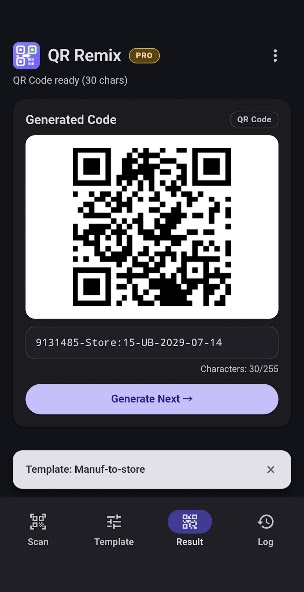
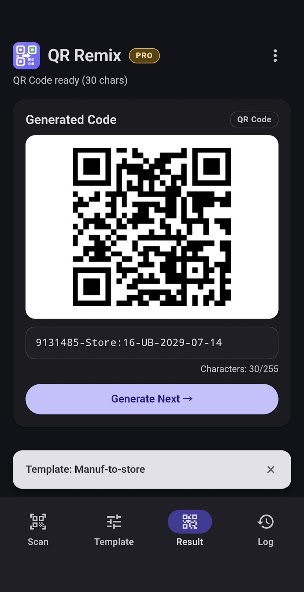
These fields can be mixed with scanned QR segments and fixed text inside one template. A result might combine a supplier item number, a location label, the next serial value, and the current date. Tapping Generate Next advances the sequence and creates the next code without rebuilding the content.
Designed for repeat operations
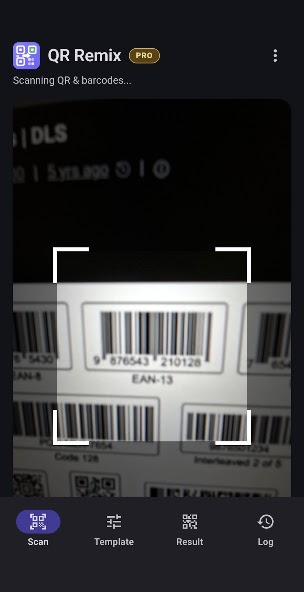
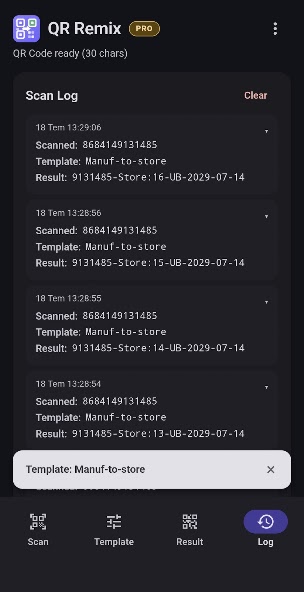
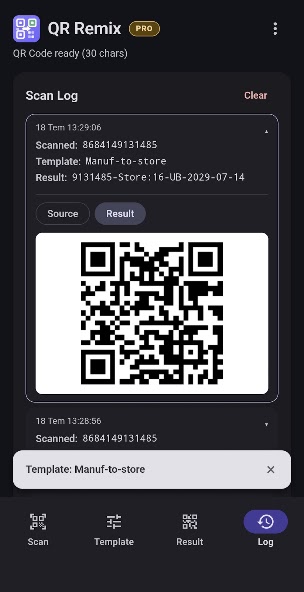
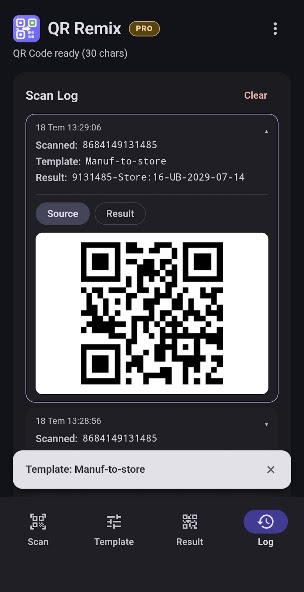
Saved templates and a scan history log make QR Remix useful for warehouse, field, inventory, labeling, and internal-reference work. The same format can be applied repeatedly, while history preserves the scanned source and generated result for quick review.
Templates and scan history are stored locally on the device. According to the Play listing, scanned content is not sent to a SunMarc backend.
Free and Pro capabilities
The free version includes QR scanning, character extraction, template composition, fixed text, transformed QR generation, saved templates, history, local storage, and Material You light and dark themes.
QR Remix Pro is a one-time purchase with no subscription. It adds barcode scanning and generation, serial-number fields, date and time fields, random IDs, one-tap serial batch runs, and an ad-free experience.
The SunMarc approach
QR Remix fits the way SunMarc App Labs thinks about productivity tools: focus on the repetitive step other apps leave behind. Scanning captures information; transformation makes that information compatible with the next system.
By combining selected QR content, fixed text, and automatic fields, QR Remix turns an ordinary scanner into a reusable code-processing workflow.